
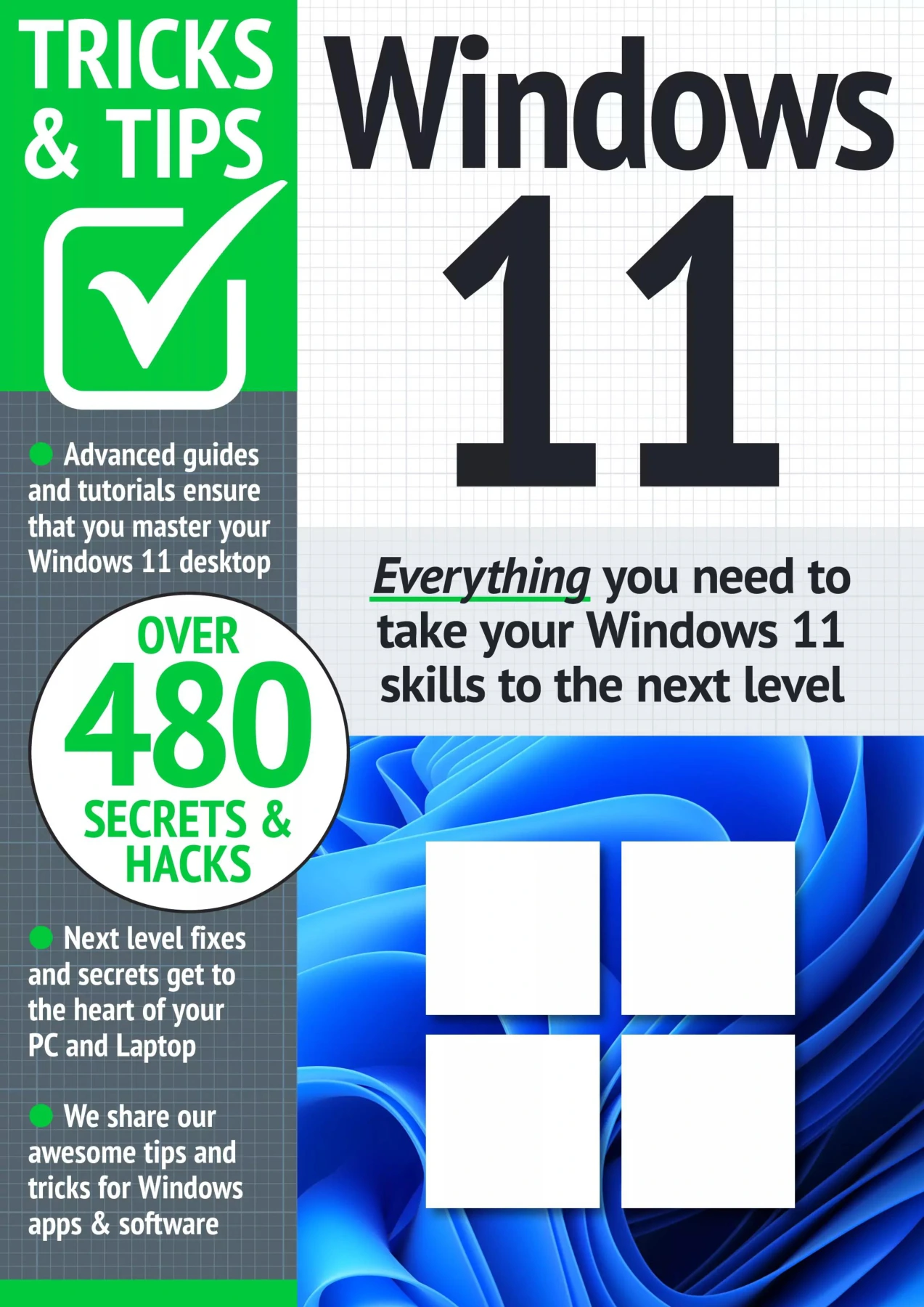
Windows 11 Tricks and Tips – 12th Edition 2024
Original price was: $5.00.$2.50Current price is: $2.50.

Papercut
Product Specs:
- File Type: PDF
- File Size: 45.7 MB
- Book Language: English
- Total Page Count: 74
- Instant Download
Get More from Windows 11 📘
If you already use Windows 11 but suspect you are only scratching the surface, this 12th edition guide is built for that next step. It moves beyond basic setup and focuses on the tools, settings, and shortcuts that make everyday computing smoother.
Practical Skills, Clearly Explained
The guide walks through real tasks step by step, so you can follow along on your own PC or laptop. Topics include:
- Use Focus Assist to block distracting notifications
- Share files with nearby devices over Bluetooth or Wi-Fi
- Connect an Android phone to your Windows 11 computer
- Import, manage, and edit photos
- Navigate with the Maps app and plan routes
- Manage contacts and use Sticky Notes
- Install a wireless printer
- Improve security with Avast Free Antivirus
Who This Guide Helps
It suits both confident users looking for specific fixes and newer users wanting clear, visual guidance. The title includes Windows 11 system requirement details, so you can check compatibility before making changes.
Learn at Your Own Pace
Each section is designed to stand alone, making the guide easy to dip into whenever you need a quick answer. Digital Delights offers this ebook for readers who prefer learning on their own schedule, without wading through unnecessary theory.
User Reviews
Be the first to review “Windows 11 Tricks and Tips – 12th Edition 2024”
You must be logged in to post a review.
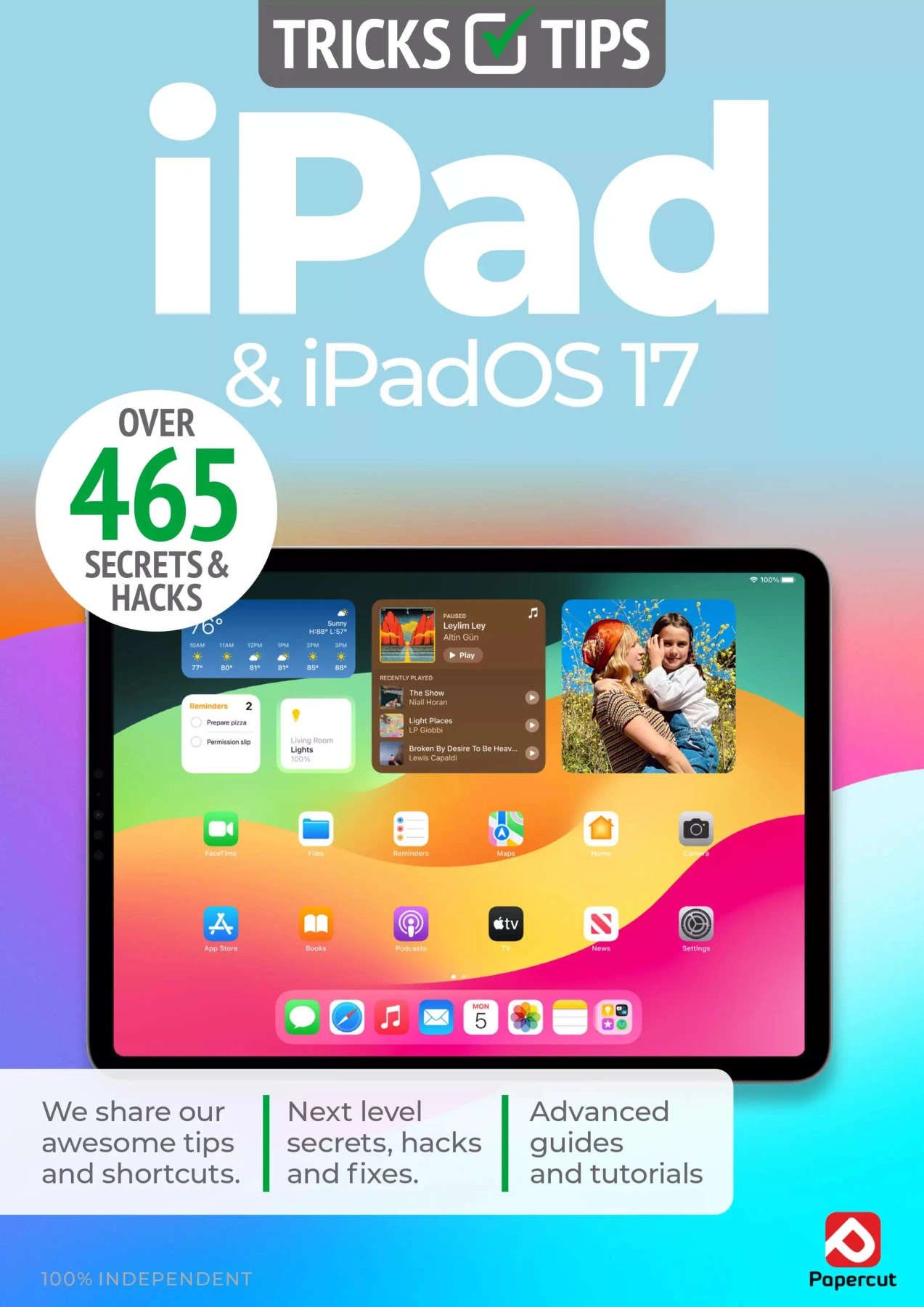
iPad & iPadOS 17 Tricks & Tips: 7th Edition 2025
Sold by Papercut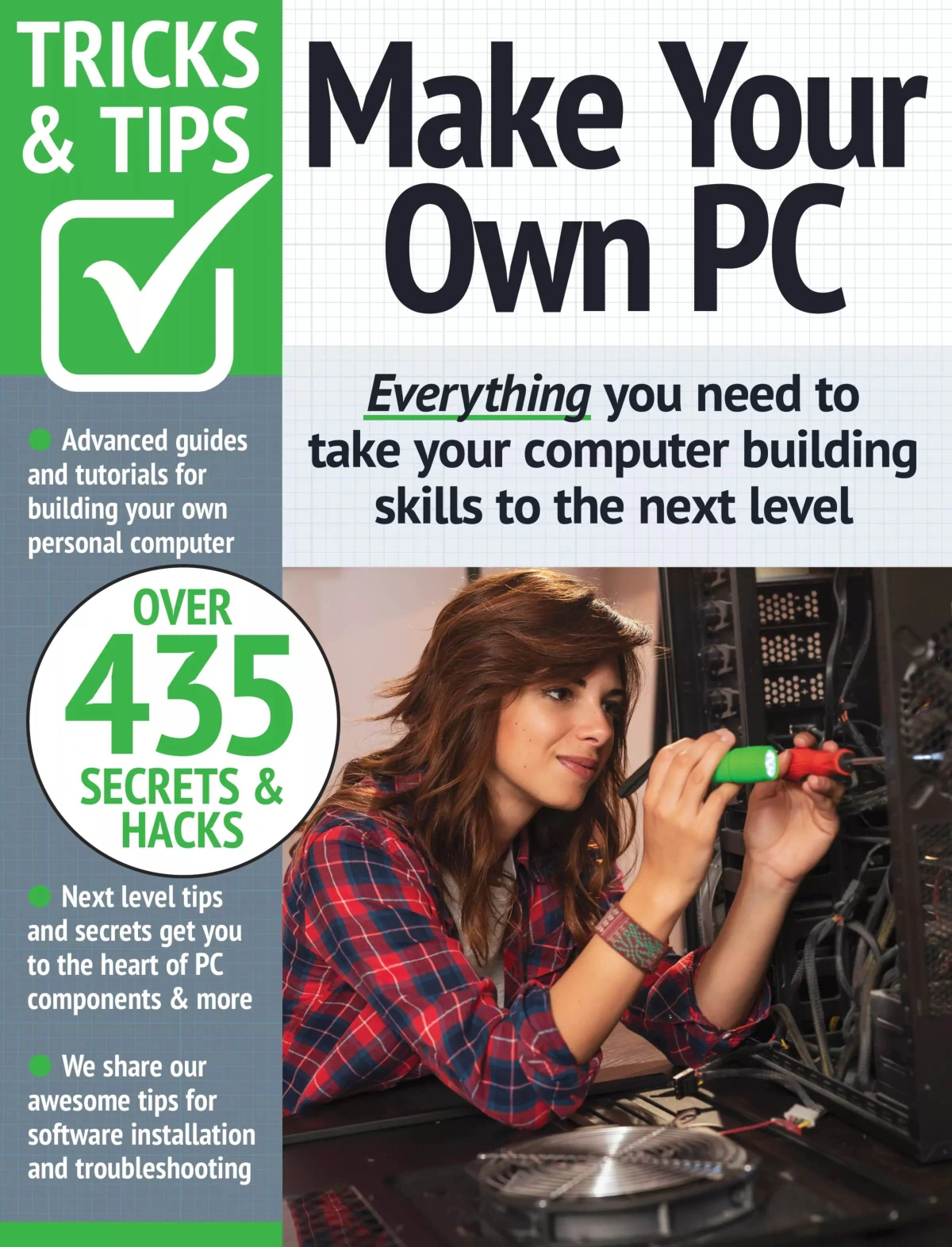
Make Your Own PC Tricks & Tips – August 2023
Sold by Papercut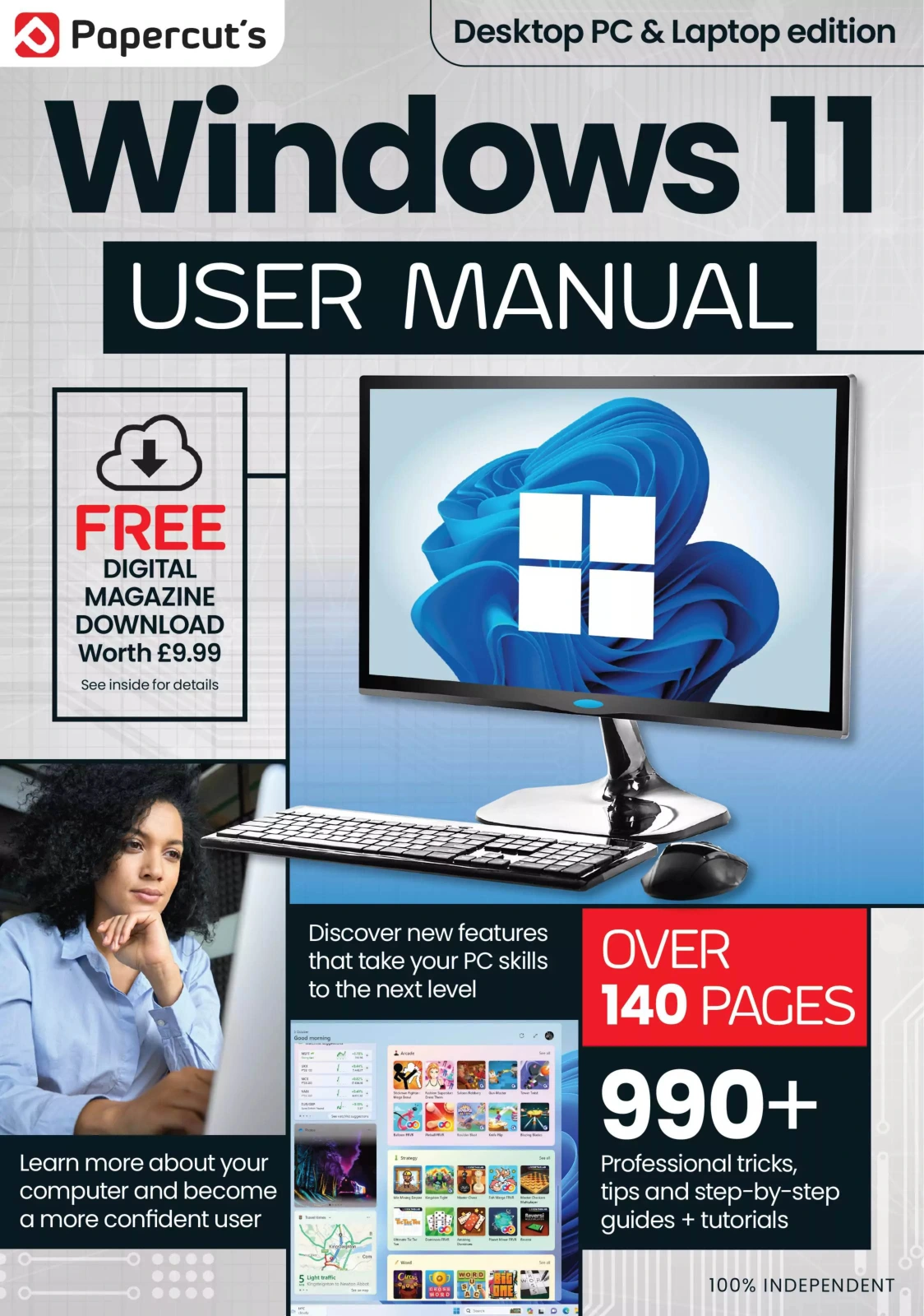
The Complete Windows 11 User Manual – 11th Edition 2024
Sold by Papercut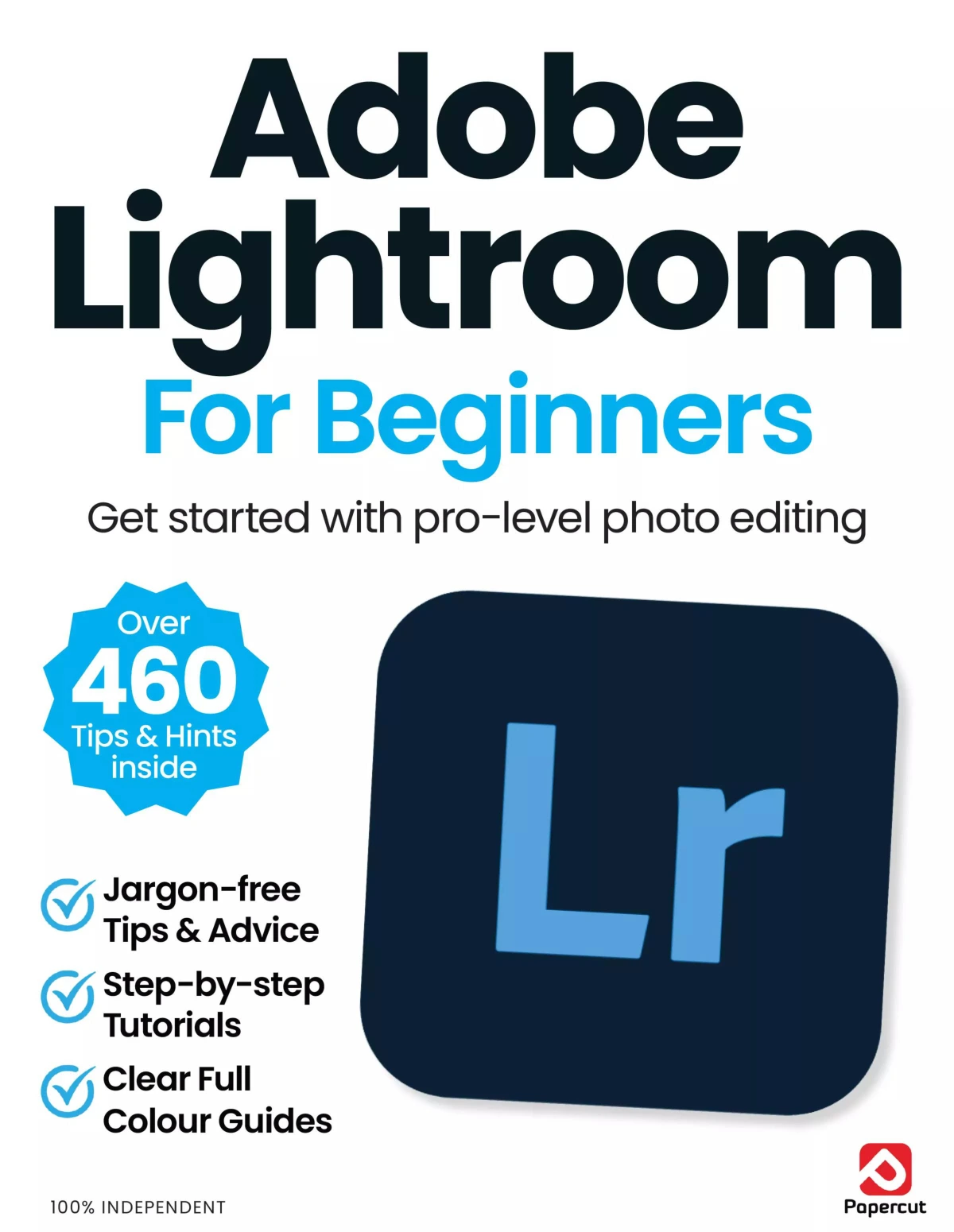
Adobe Lightroom For Beginners
Sold by Papercut
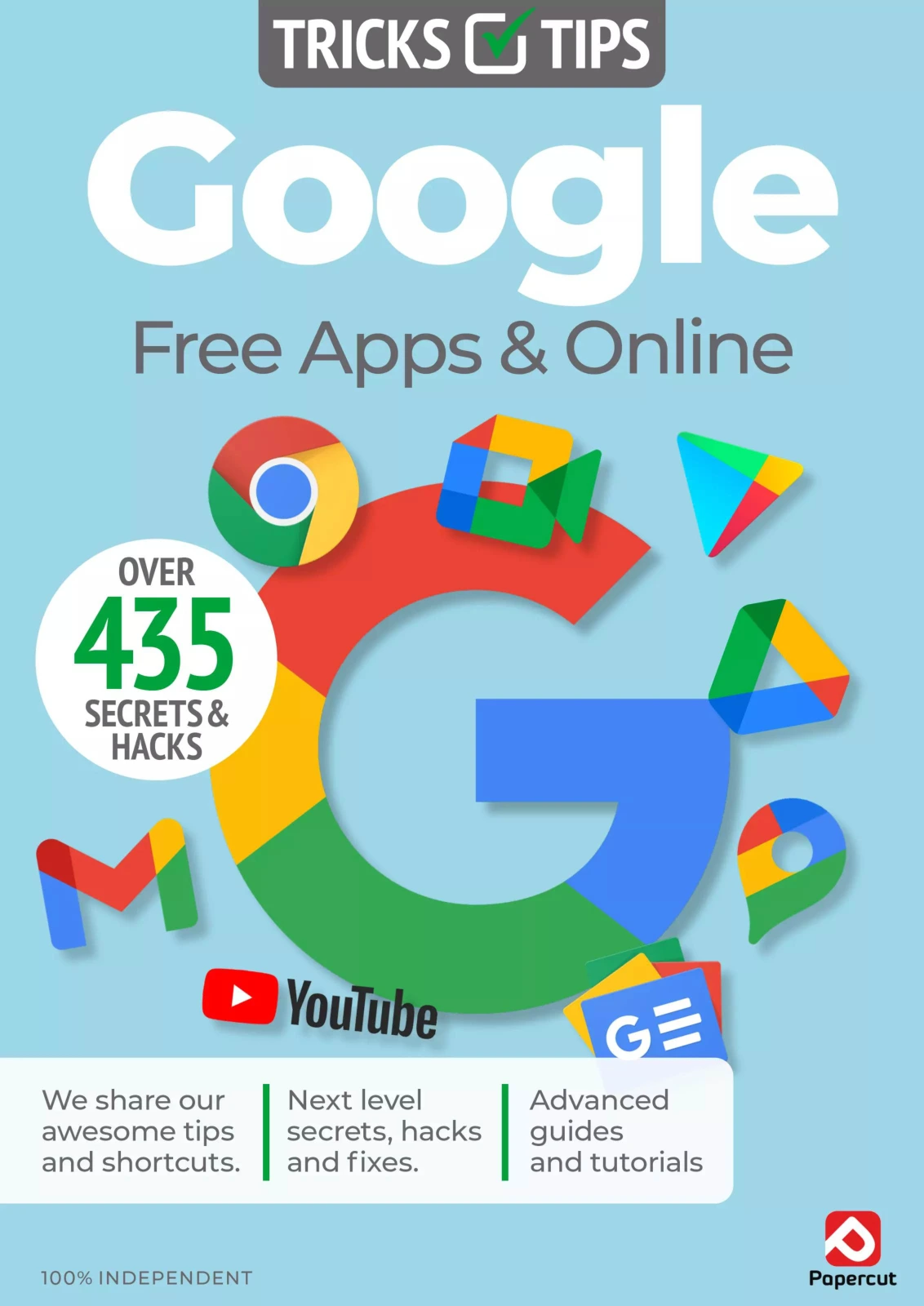
Google Tricks & Tips: 22nd Edition
Sold by Papercut Original price was: $5.00.$2.50Current price is: $2.50.


There are no reviews yet.