
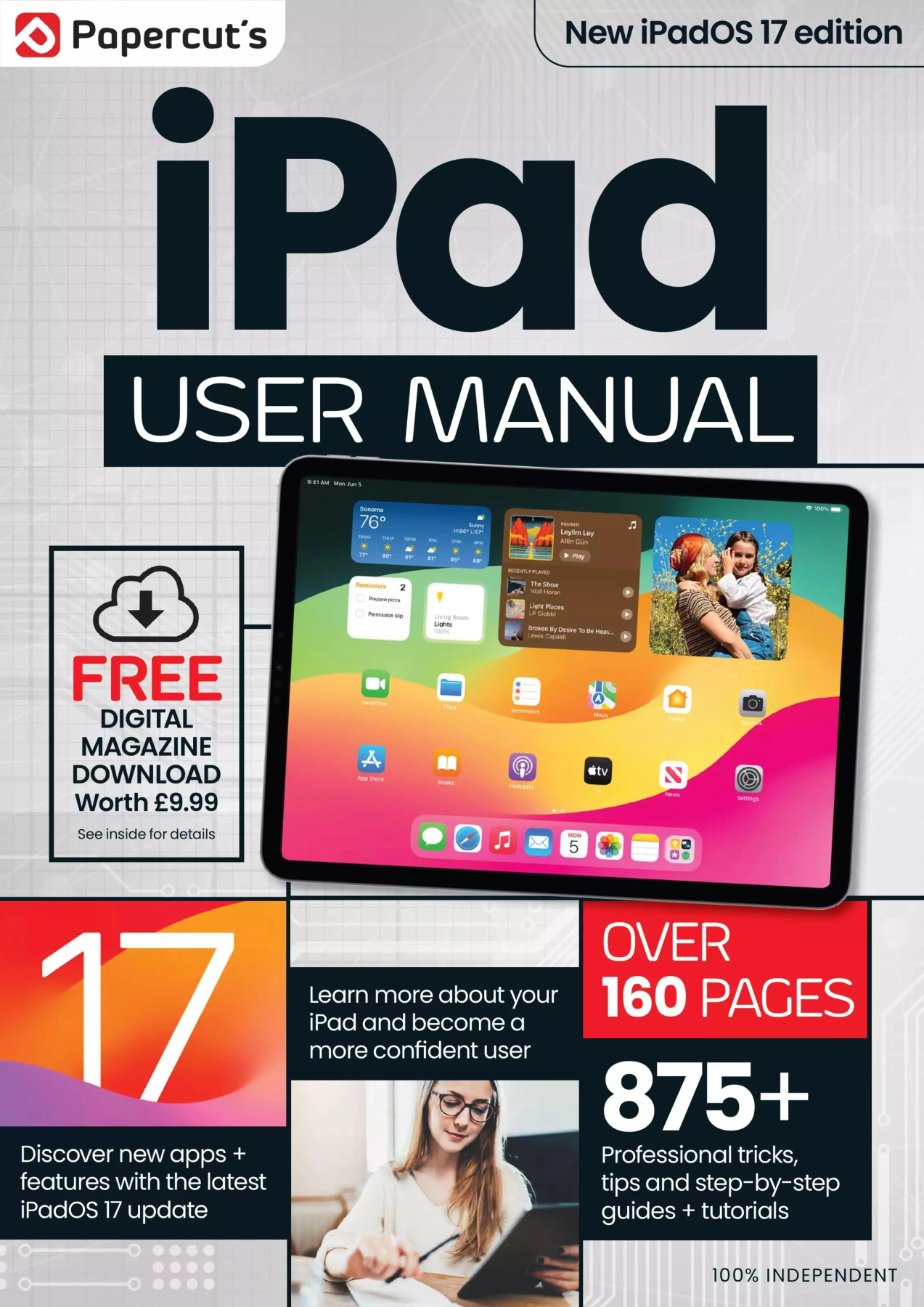
iPad & iPadOS The Complete Manual — Issue 5
Original price was: $13.36.$6.68Current price is: $6.68.

Papercut
Product Specs:
- File Type: PDF
- File Size: 101.9 MB
- Book Language: English
- Total Page Count: 166
- Instant Download
An iPad can be useful from the moment you unbox it—but getting comfortable with its settings, gestures and built-in apps takes a little know-how. iPad & iPadOS The Complete Manual — Issue 5 offers a practical, illustrated-feeling tour of the iPad experience, pairing essential setup guidance with an introduction to features in iPadOS 17.
Start with the basics, then follow the guide into the everyday tools and newer capabilities that help make an iPad your own. It’s a handy reference for new owners and a useful refresher for people who want to get more familiar with the device they already use.
From first setup to everyday confidence
The opening topics take readers through iPad hardware, initial setup, Apple ID, Face ID or Touch ID, and getting online. Guidance on email, touchscreen gestures and the on-screen keyboard rounds out the essentials, helping connect the setup steps with the tasks people actually do on a tablet.
Make the interface work for you
Explore Control Centre, widgets, the App Library and Lock Screen customization, along with ways to organize apps on the Home Screen. The issue also covers AirDrop and Bluetooth for transferring or connecting between devices, and includes material on using Apple Pencil in iPadOS 17.
What’s new in iPadOS 17?
Alongside its foundational walkthroughs, the manual introduces features such as Stage Manager, Display Zoom and Reference Mode. It also highlights changes involving Weather, Mail, Notes and Messages, giving readers a way to understand the update in the context of familiar iPad tools.
A practical reference for iPad owners
With topics arranged as focused guides, this issue suits readers who are setting up an iPad, revisiting core controls or exploring iPadOS 17’s features. Keep it nearby when you want a straightforward explanation of a setting, gesture or built-in capability. 📱
User Reviews
Be the first to review “iPad & iPadOS The Complete Manual — Issue 5”
You must be logged in to post a review.

Google For Beginners – 20th Edition, 2024
Sold by Papercut
The Complete Photoshop Elements Manual – 18th Edition, 2024
Sold by Papercut
WhatsApp User Manual – 13th Edition, 2025
Sold by Papercut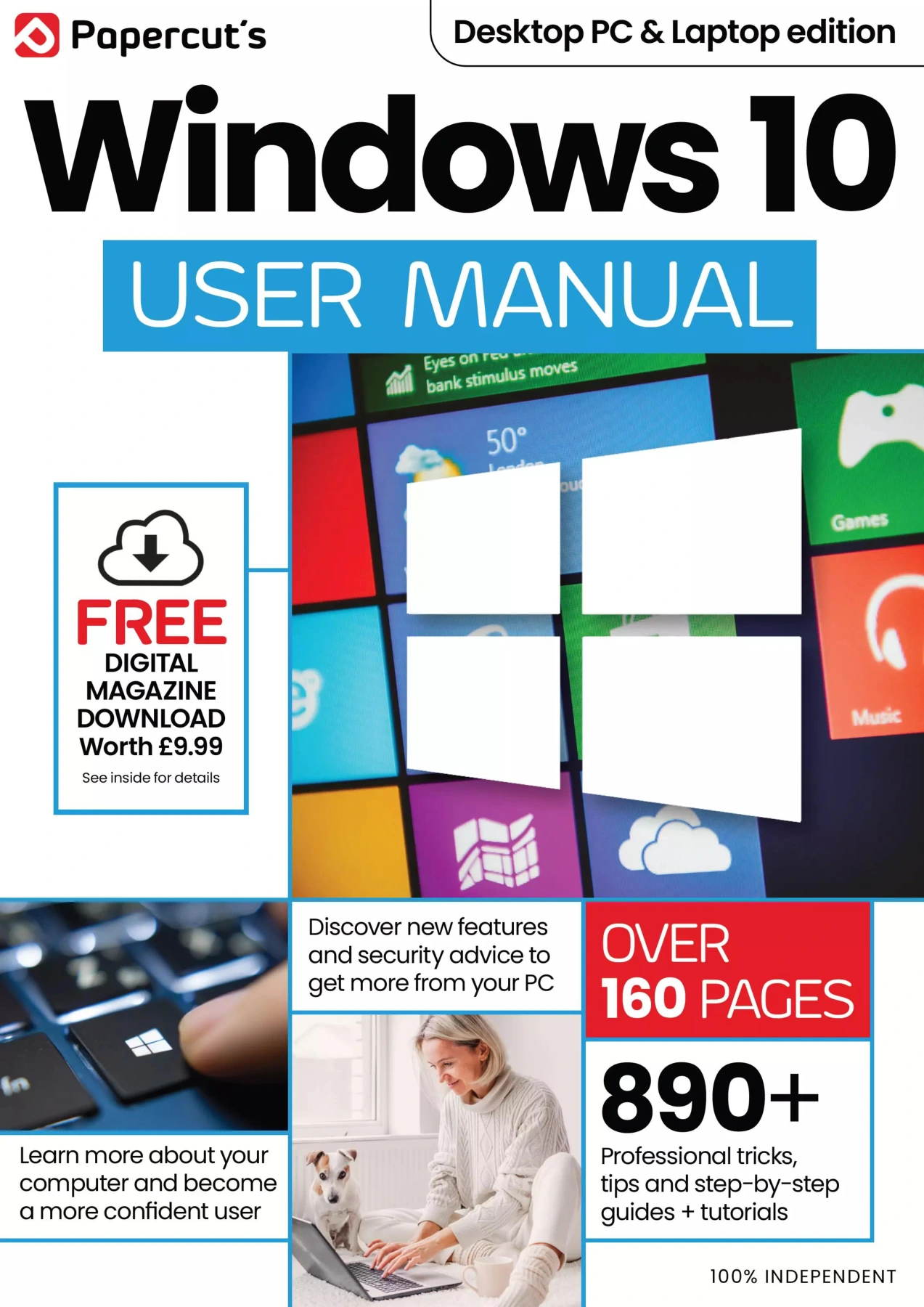
Papercut’s Windows 10 User Manual – 24th Edition, 2025
Sold by Papercut
Android Tricks and Tips
Sold by Papercut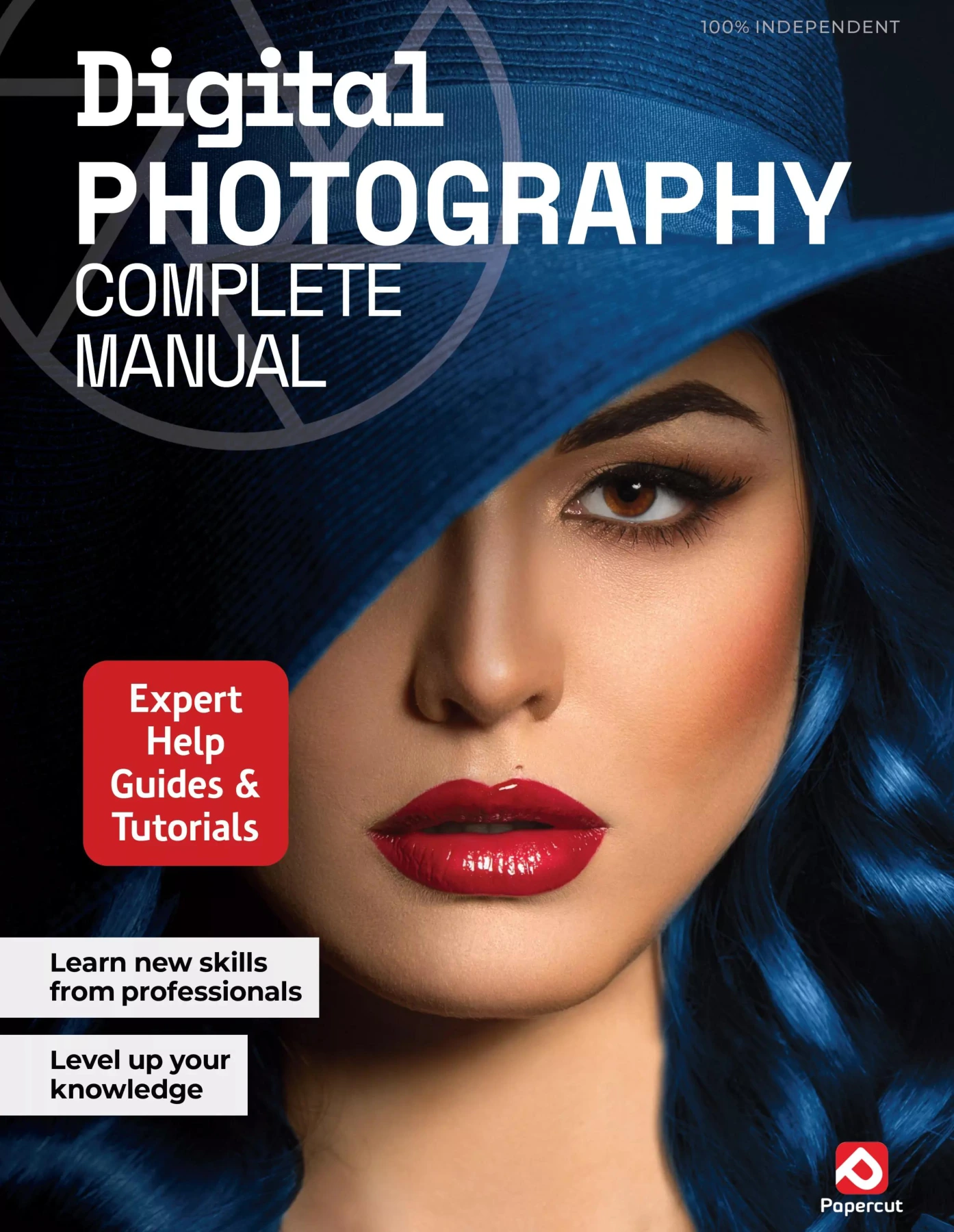
Digital Photography Complete Manual — 26th Edition, 2025
Sold by Papercut Original price was: $13.36.$6.68Current price is: $6.68.




There are no reviews yet.