
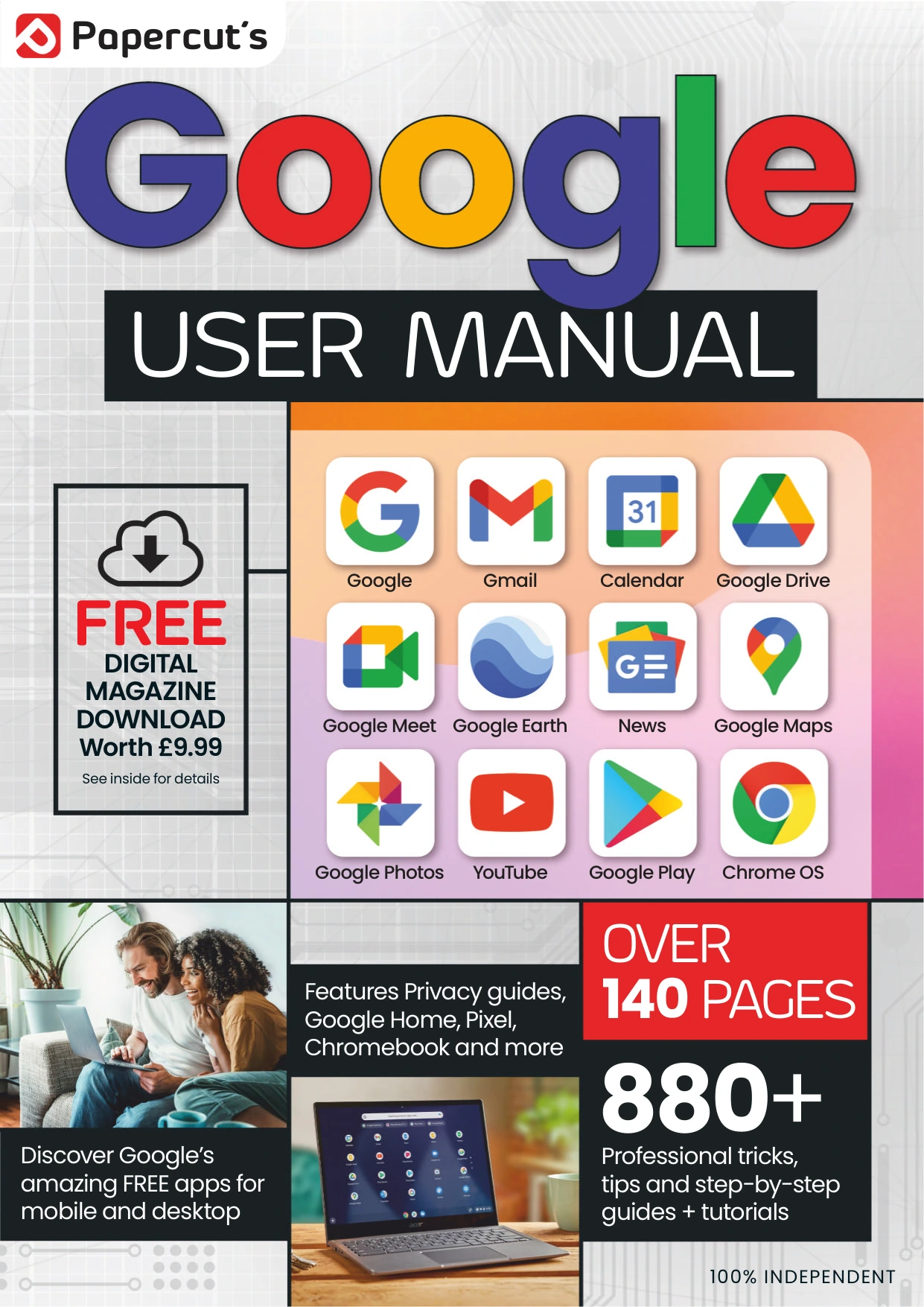
Google User Manual – Issue 5, 2024
Original price was: $13.36.$6.68Current price is: $6.68.

Papercut
Product Specs:
- File Type: PDF
- File Size: 45.2 MB
- Book Language: English
- Total Page Count: 146
- Instant Download
Google’s tools reach far beyond search. This issue of Google User Manual brings together practical introductions to the apps, online services, and devices many people use every day—from Gmail and Maps to Photos, Drive, Google Home, and Chromebook. Its tutorial-led approach makes it easy to turn to a particular task or explore a service you have not tried before.
Find your way around Google’s app suite
The guide starts with the foundations: setting up a Google Account, reviewing security and privacy options, and making searches more effective. It then moves into focused walkthroughs for Chrome, Gmail, Calendar, Maps, Earth, Translate, and Flights. The contents also include practical help with Google Photos, YouTube, Meet, Drive, Docs, Sheets, Slides, Forms, Keep, Pay, and Google Play.
Practical tasks, clearly organized
Rather than treating Google as a single service, the issue breaks its coverage into individual how-to topics. Readers can look up tasks such as customizing Gmail, planning a route in Maps, editing images in Photos, restoring deleted Drive files, or setting up Google Docs and Sheets. That breadth makes the manual useful as a browseable reference when a particular question comes up.
More than apps
Additional sections turn to Blogger and Google Sites, followed by guides to Google Home, Pixel, Chromecast, and Chromebook. The range offers a useful snapshot of how Google’s services and hardware fit into everyday computing, communication, media, and organization.
A broad reference for curious users
This issue is suited to readers who want approachable, task-focused introductions across several Google products, whether they are getting started with an app or looking for a quick reminder. As a 2024 guide, its interface instructions may differ from current versions of Google’s services.
Additional Book Details
Book specifications and digital file information
User Reviews
Be the first to review “Google User Manual – Issue 5, 2024”
You must be logged in to post a review.

Internet Security User Manual — Issue 6 (2025)
Sold by Papercut
Samsung Galaxy Complete Manual – 27th Edition
Sold by Papercut
Instagram For Beginners
Sold by Papercut
Home Networking Complete Manual — 9th Edition 2026
Sold by Papercut
Instagram Tricks & Tips
Sold by Papercut
Adobe Lightroom For Beginners
Sold by Papercut Original price was: $13.36.$6.68Current price is: $6.68.





There are no reviews yet.