
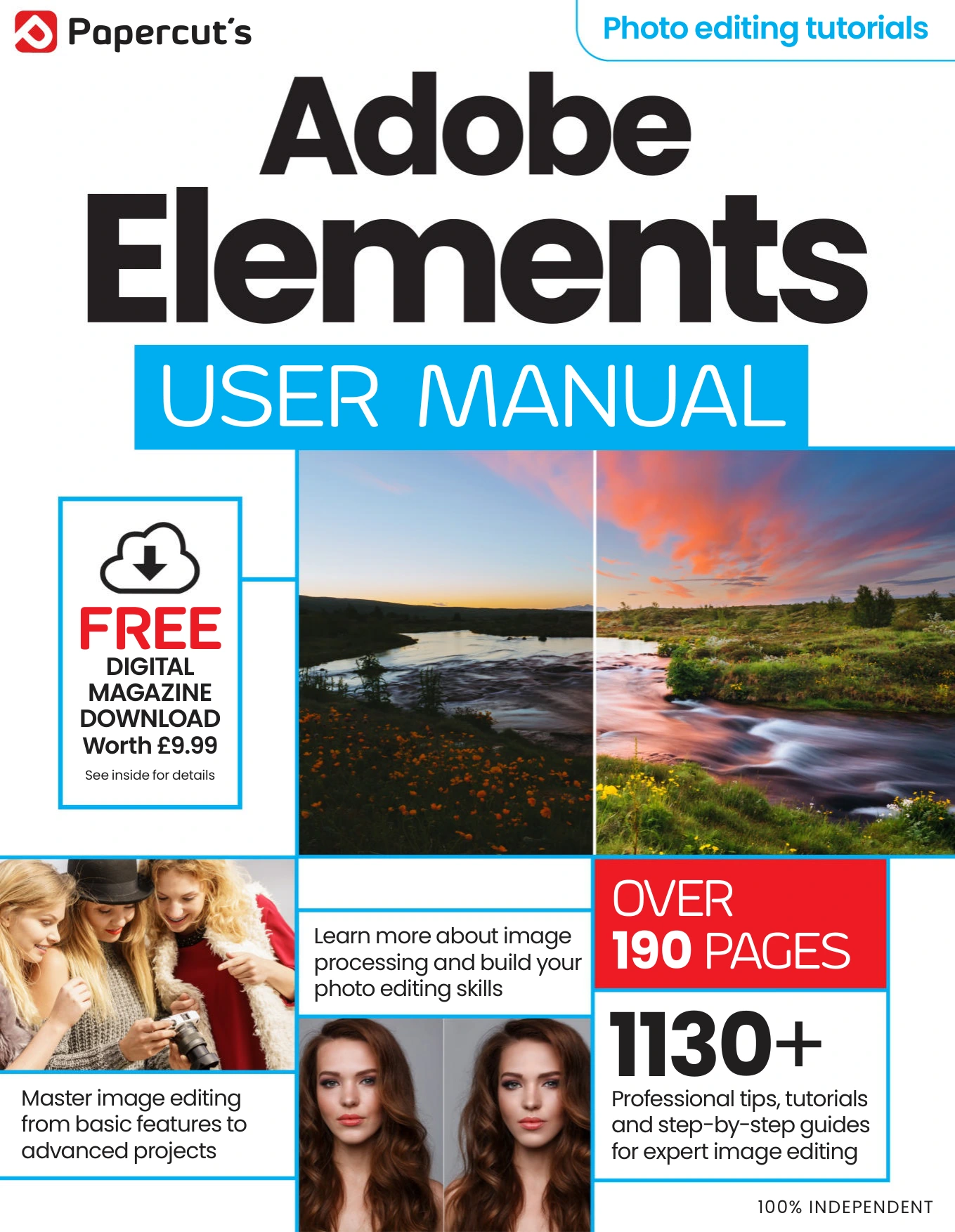
Adobe Elements User Manual Issue 6
Original price was: $13.36.$6.68Current price is: $6.68.

Papercut
Product Specs:
- File Type: PDF
- File Size: 92.4 MB
- Book Language: English
- Total Page Count: 194
- Instant Download
Learn Photoshop Elements with a practical, guided approach
Adobe Elements User Manual is a hands-on photo-editing guide built around Adobe Photoshop Elements and its Organizer workflow. Rather than lingering on theory, it moves quickly into the parts users actually need: finding images, organising a library, and making confident edits without getting lost in a maze of menus.
The issue is structured to help readers grow in stages. It begins with the home screen and the three core editing modes — Quick, Guided, and Expert — then expands into tagging, face recognition, metadata, image comparison, and Adobe Camera Raw. From there, it reaches deeper into selection tools, layers, cloning, healing, resizing, compositing, and creative effects.
What the manual covers
- Getting started with Photoshop Elements and its main workspaces
- Using the Organizer to sort, tag, and search photos
- Working with Guided edits and Expert-mode tools
- Camera Raw, adjustment techniques, and layer-based editing
- Creative projects such as photo books, sky replacement, and advanced retouching
A useful reference for photo editors
This is a strong fit for readers who want a clear, structured route through Photoshop Elements. It works well as a learning companion for newcomers and as a practical refresher for more confident users who want a single guide to the software’s core editing and organising features.
If you are building a digital library of photography titles at Digital Delights, this issue stands out as a focused, tool-rich manual for everyday image editing workflows.
User Reviews
Be the first to review “Adobe Elements User Manual Issue 6”
You must be logged in to post a review.

Samsung User Manual Issue 5
Sold by Papercut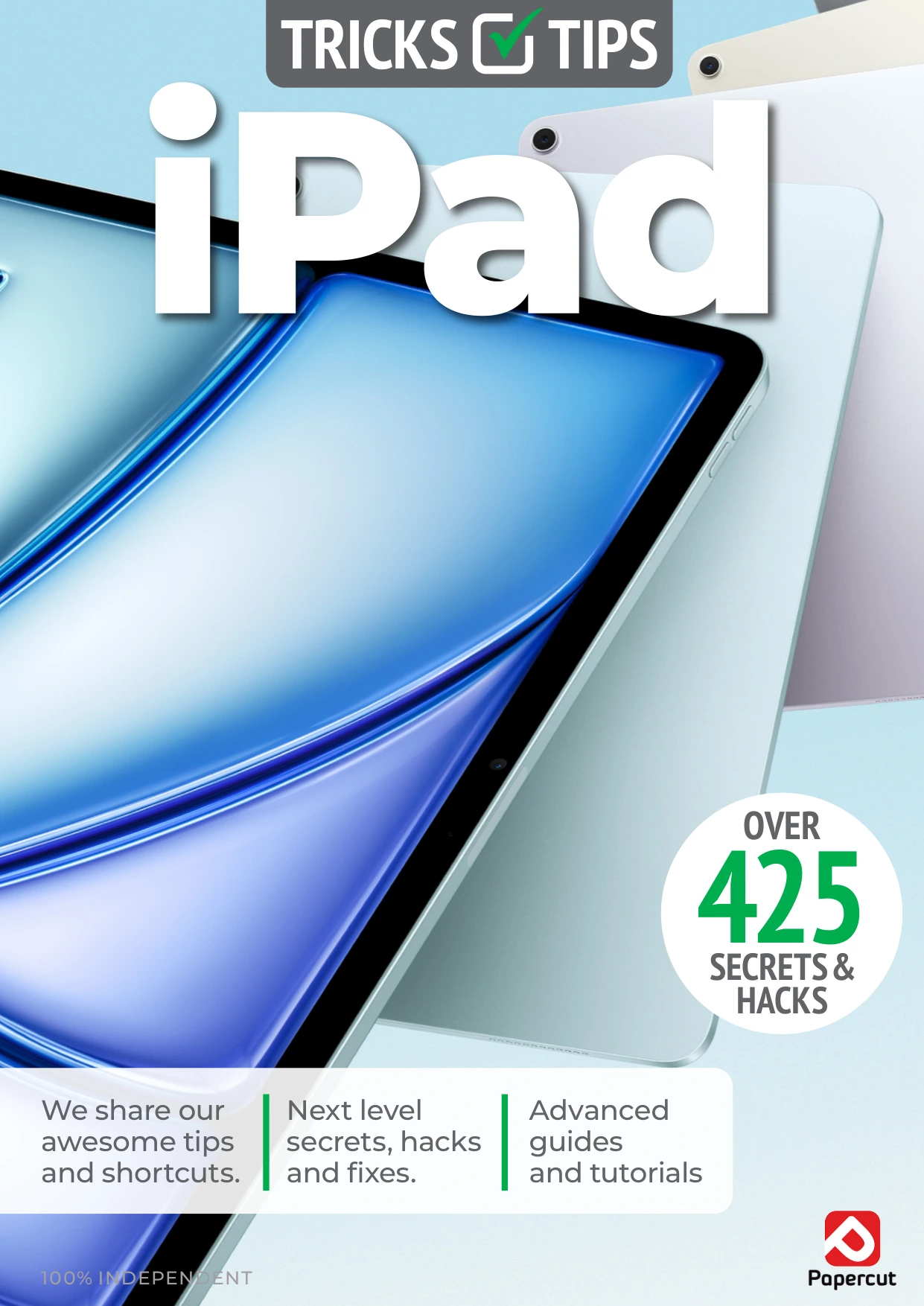
iPad & iPadOS Tricks & Tips — 8th Edition 2026
Sold by Papercut
WhatsApp For Beginners
Sold by Papercut

Chromebook For Beginners — 12th Edition
Sold by Papercut
Black & White Photography For Beginners
Sold by Papercut Original price was: $13.36.$6.68Current price is: $6.68.
There are no reviews yet.